Planning a full year is already complex when you teach one class. For a specials teacher, the same curriculum may need to work across several grade levels, dozens of class sections and a schedule that changes when assemblies, testing, holidays, drills or cancellations interrupt the rotation.
The goal is not to predict every date perfectly. It is to build a clear instructional sequence, translate that sequence into the next teachable lessons, and keep an accurate record when individual classes move at different speeds.
1. Start with the instructional sequence, not the calendar
Begin by listing the grades or courses you teach and the major learning areas you want each one to encounter. For each grade or course, sketch a broad sequence across the year. This might include units, skills, projects, performances, themes or recurring routines, depending on your subject.
At this stage, think in order rather than exact dates. A Year-at-a-Glance Curriculum can show what should come first, what depends on earlier learning and what can move if the school calendar changes. You supply the curriculum; the planning structure helps you keep its sequence visible.
2. Give each grade or course its own planning lane
A single master list can become difficult to scan when kindergarten, upper elementary and middle school classes are working toward different outcomes. Create a separate lane for each grade or course, even when several groups share a theme.
- Write the broad sequence for each grade or course.
- Note skills or routines that return throughout the year.
- Identify units that require particular materials, spaces or seasonal timing.
- Leave room to shift the sequence when the school calendar changes.
This makes it easier to see the full curriculum without mixing every class section into the long-range plan.
3. Turn the year map into teachable units
Next, choose one upcoming unit and define the learning sequence more closely. A Unit Lesson Overview can hold the unit’s purpose, lesson order, preparation and other details you need before weekly planning begins.
Keep the sequence clear enough that you can answer two questions at any point:
- What is the shared next step for this grade or course?
- What evidence would show that a particular class needs a different next step?
You do not need to create a separate version of the unit for every section before anything has changed. Build the shared sequence first, then document actual exceptions as they occur.
4. Plan the upcoming instruction once
Use a Weekly Lesson Plan to translate the unit sequence into the instruction, goals and preparation needed next. Organizing the week by grade or course lets you reuse shared planning where it fits instead of copying the same lesson for every class section.
Include schedule changes you already know about, but avoid rebuilding the entire curriculum around one interruption. The shared plan should remain easy to find even when one class misses a meeting.
5. Track the classes that move out of sync
Once teaching begins, the plan and the rotation may diverge. One section may finish early. Another may lose half a period to a drill. A third may miss the lesson completely because of testing.
For each affected class, record three things:
- Current step: the last part of the sequence the class completed.
- What changed: the interruption, cancellation, shortened period or faster progress.
- Exact restart action: the first thing to do when that class returns.
“Continue the unit” is usually too broad. A note such as “Repeat the final demonstration, then begin guided practice” gives your future self a usable starting point.
A simple example with four sections
Imagine four fifth-grade sections share the same three-part lesson sequence. Sections A and B complete the first lesson. Section C has a shortened class and stops after the introduction. Section D misses the meeting because of an assembly.
Your weekly plan can continue to hold the shared fifth-grade lesson. The class records capture the differences:
- Sections A and B: ready for lesson two.
- Section C: resume the demonstration before practice.
- Section D: begin lesson one.
The long-range curriculum has not changed, but each section now has an accurate restart point.
Use a short weekly reset
At the end of the week, take a few minutes to compare the shared plan with the classes that changed. Update the next weekly plan, carry forward only the exceptions that still matter, and confirm that the broad year sequence still makes sense.
- Review the year map for the grade or course.
- Confirm the next unit or lesson step.
- Check class-level restart notes.
- Prepare the shared instruction and any needed variations.
Keep the layers connected
A workable year plan has several connected layers: the broad curriculum sequence, the unit plan, the upcoming weekly instruction and the actual progress of individual classes. Keeping those layers separate—but easy to compare—helps you adjust without losing sight of the year as a whole.
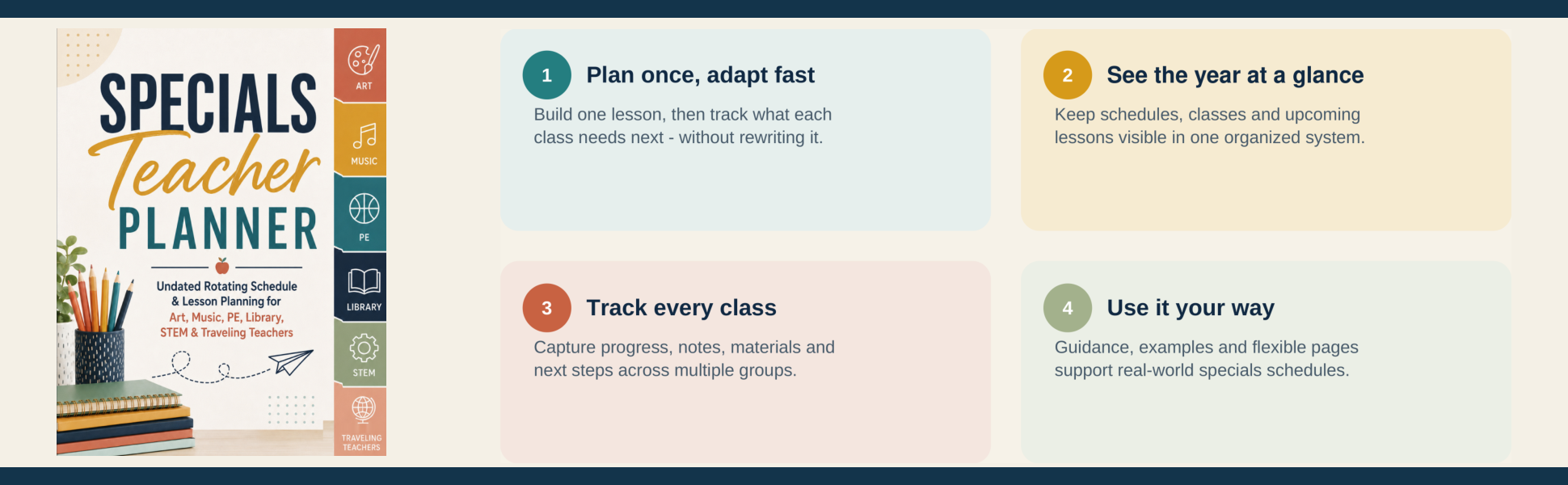
The Specials Teacher Planner brings those layers together with Year-at-a-Glance Curriculum, Unit Lesson Overview, Weekly Lesson Plan and Class Progress Tracker sections. It is undated and designed for art, music, PE, library, STEM, world-language, traveling and other special-area teachers managing rotating schedules and many class sections.